

Ways to create an account
Version 2.1 — register and sign in with mobile, email, or Google on the Sri Vyasaraja Matha website & app.
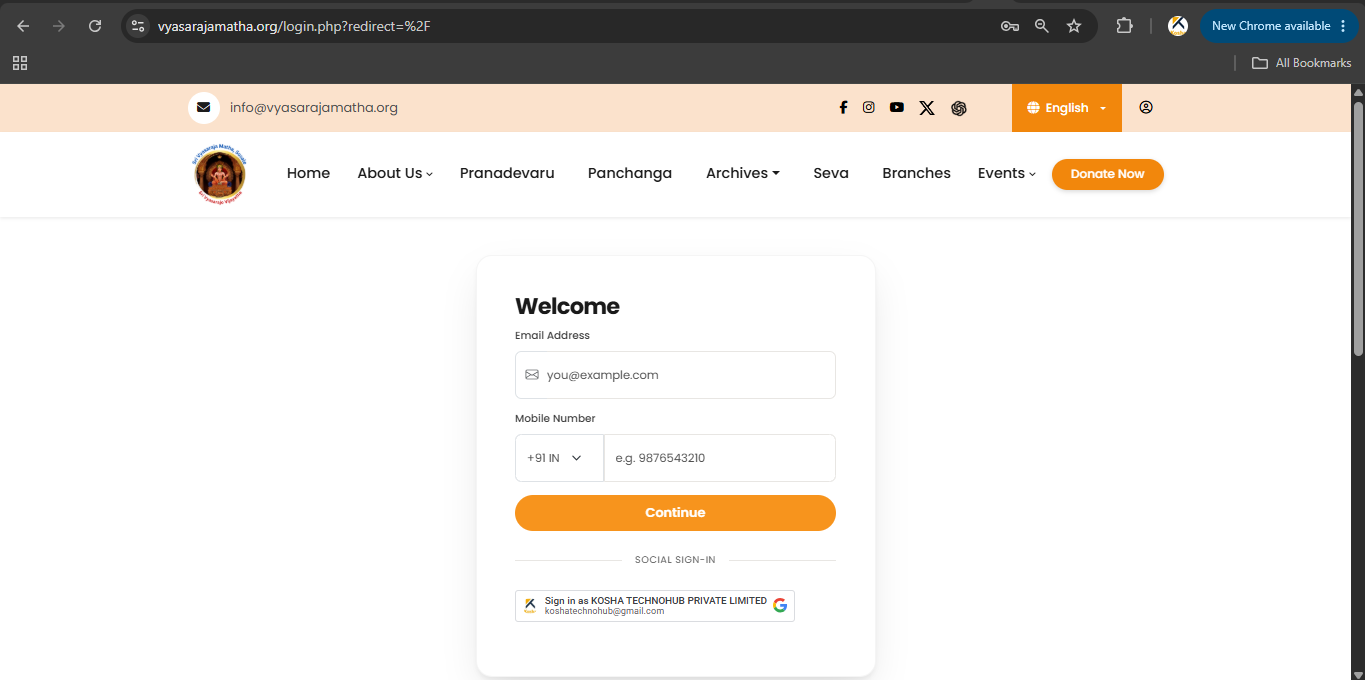
Version 2.1 introduces a secure and simplified authentication system for devotees accessing the Sri Vyasaraja Matha (Sosale) website and mobile app.
You can register and sign in using a mobile number or email address. Indian mobile users can authenticate with SMS OTP; users outside India can use email verification. Google Sign-In is also available.
1. Ways to create an account
Choose any one method:
Option 1 — Indian mobile number
Recommended for users in India.
- SMS OTP verification
- Email OTP verification (as required)
- Password creation
- Future login with mobile number + password
Option 2 — Email address
Recommended for users outside India, users without an Indian mobile number, or anyone who prefers email.
- Email OTP verification
- Password creation
- Future login with email + password
Option 3 — Google Sign-In
Sign in with your Google account without creating a separate password.
2. Logging in (after registration)
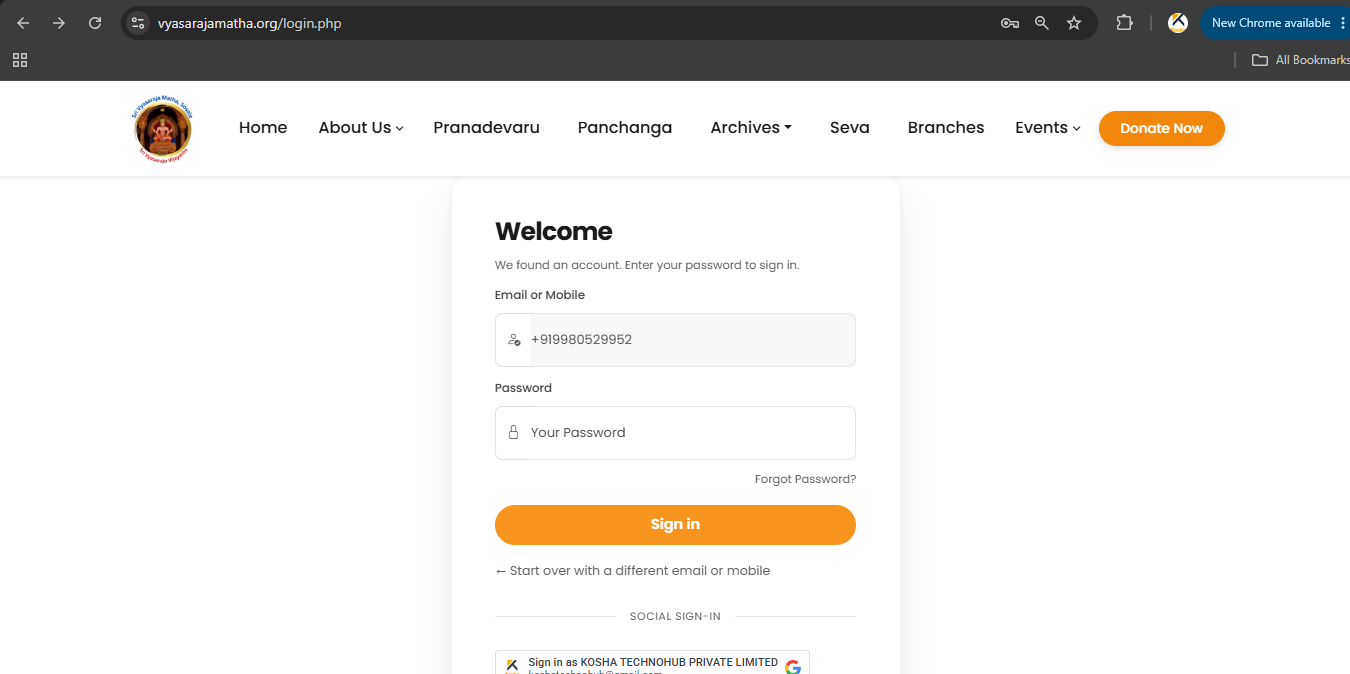
Login using mobile number
- Enter your Indian mobile number
- Enter your password
- Click Sign in
Login using email address
- Enter your email address
- Enter your password
- Click Sign in
Video tutorial: Sri Vyasaraja Matha YouTube
Screenshots