

Register using an email address
For devotees outside India or anyone who prefers email OTP registration.
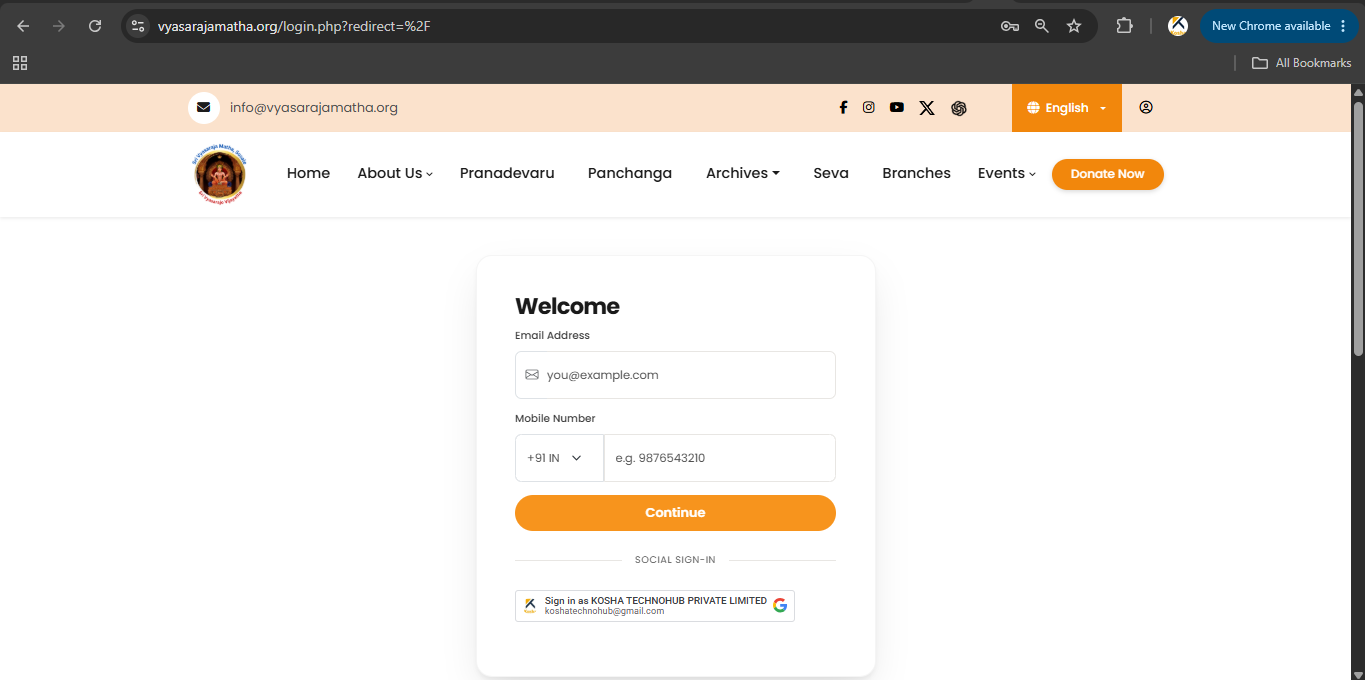
Registering using an email address
Users without an Indian mobile number may register using email. Suitable for:
- Devotees residing outside India
- International users
- Indian users who prefer email registration
Step 1
- Open the Website / Mobile App.
- Click Login / Sign In.
Step 2
Enter:
- Email address — mandatory (especially outside India)
- Indian mobile number (+91) — optional
Click Continue.
Step 3
The system sends an Email OTP to your email address.
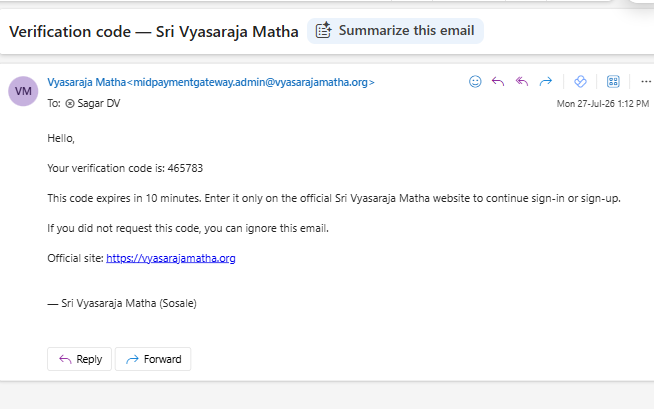
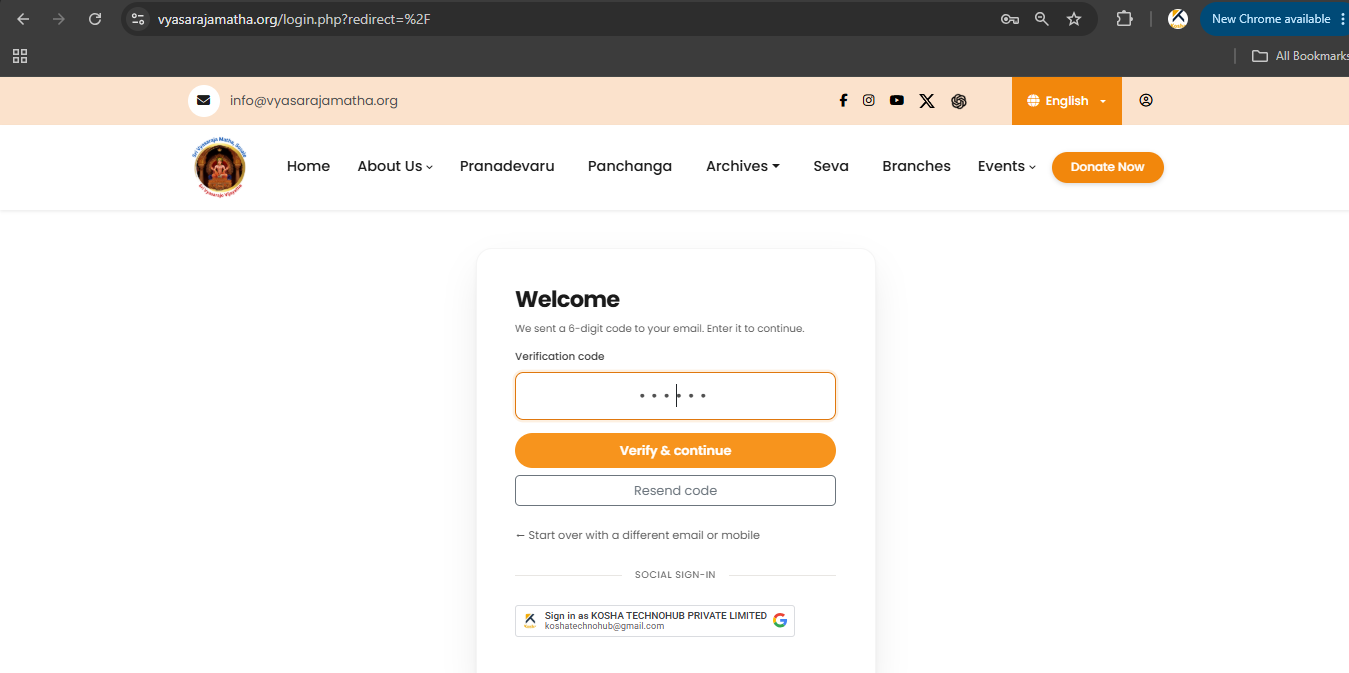
Step 4
- Enter the verification code.
- Click Verify & continue.
Step 5
Complete your profile (name, email, optional mobile, password) and click Create account.
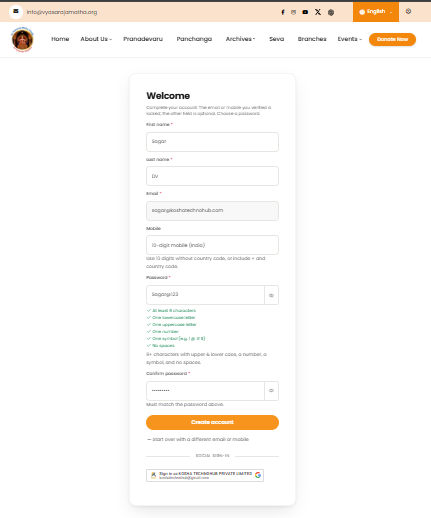
Registration complete
Next time, sign in with your email and password.
Video tutorial: Sri Vyasaraja Matha YouTube
Screenshots