


Register using an Indian mobile number
Create an account with +91 mobile number, SMS OTP, profile details, and password.
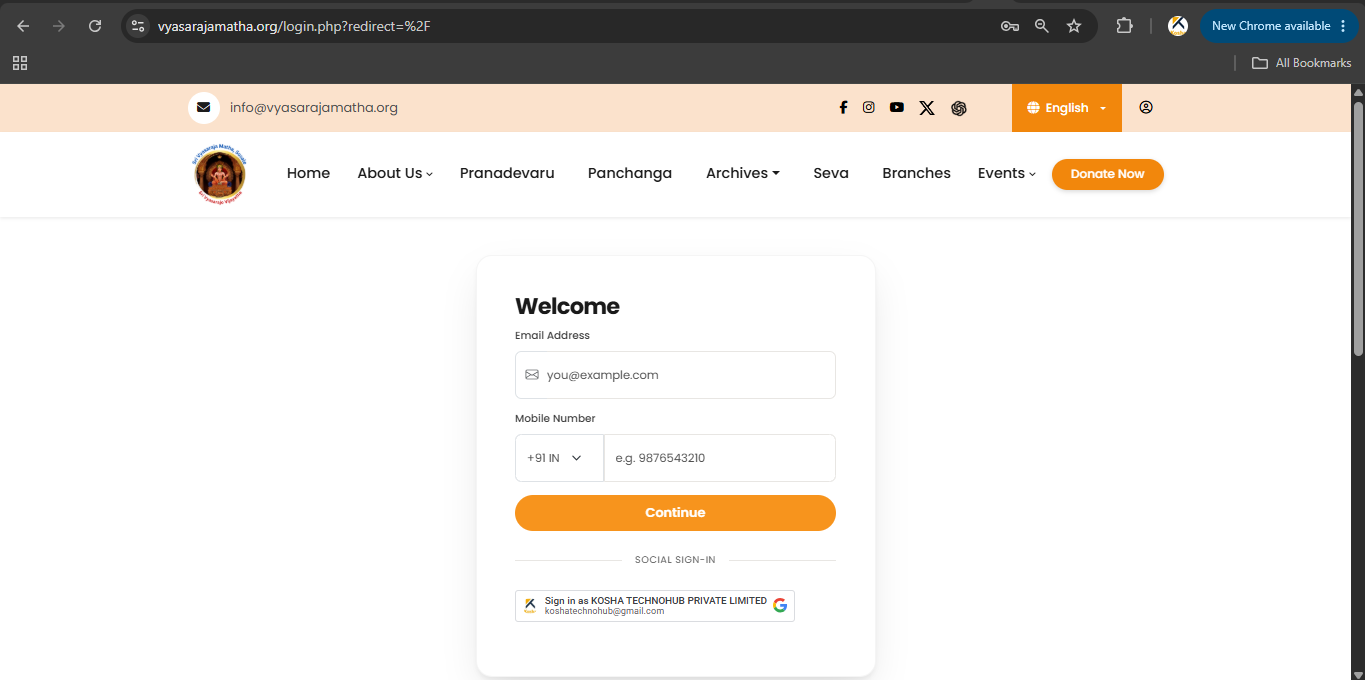
Registering using an Indian mobile number
Step 1
- Open the Website / Mobile App.
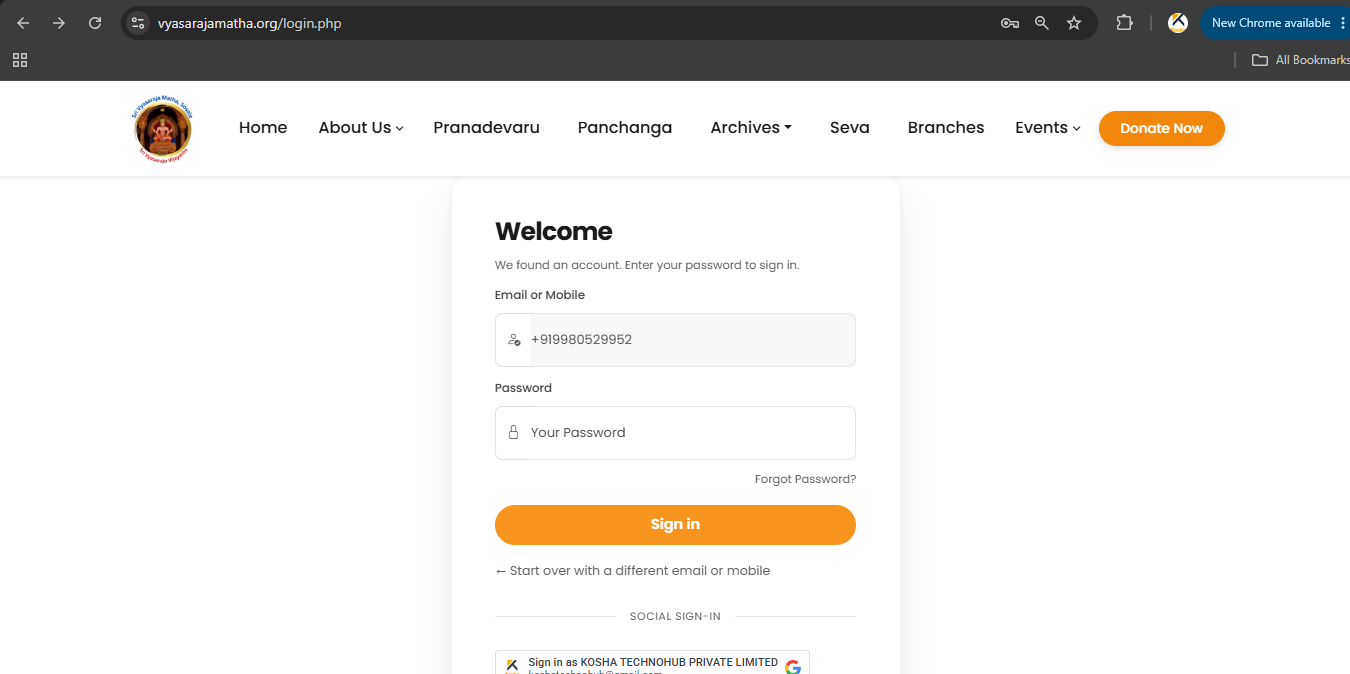
- Click Login / Sign In.
- The registration screen appears.
Step 2
Enter:
- Email address (optional)
- Indian mobile number (+91) — mandatory
Click Continue.
Step 3
The system sends an SMS OTP to your Indian mobile number. You may also receive an email code when email is provided.
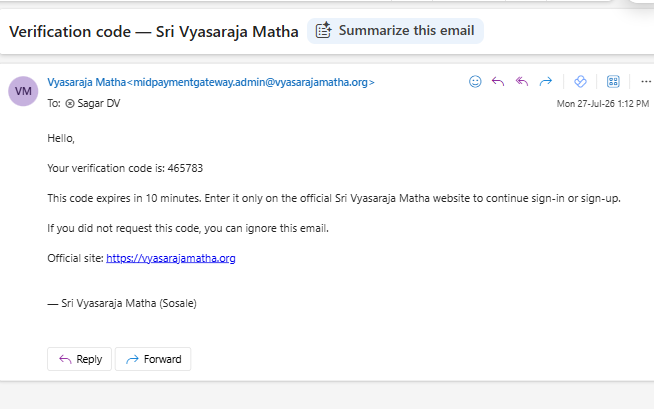
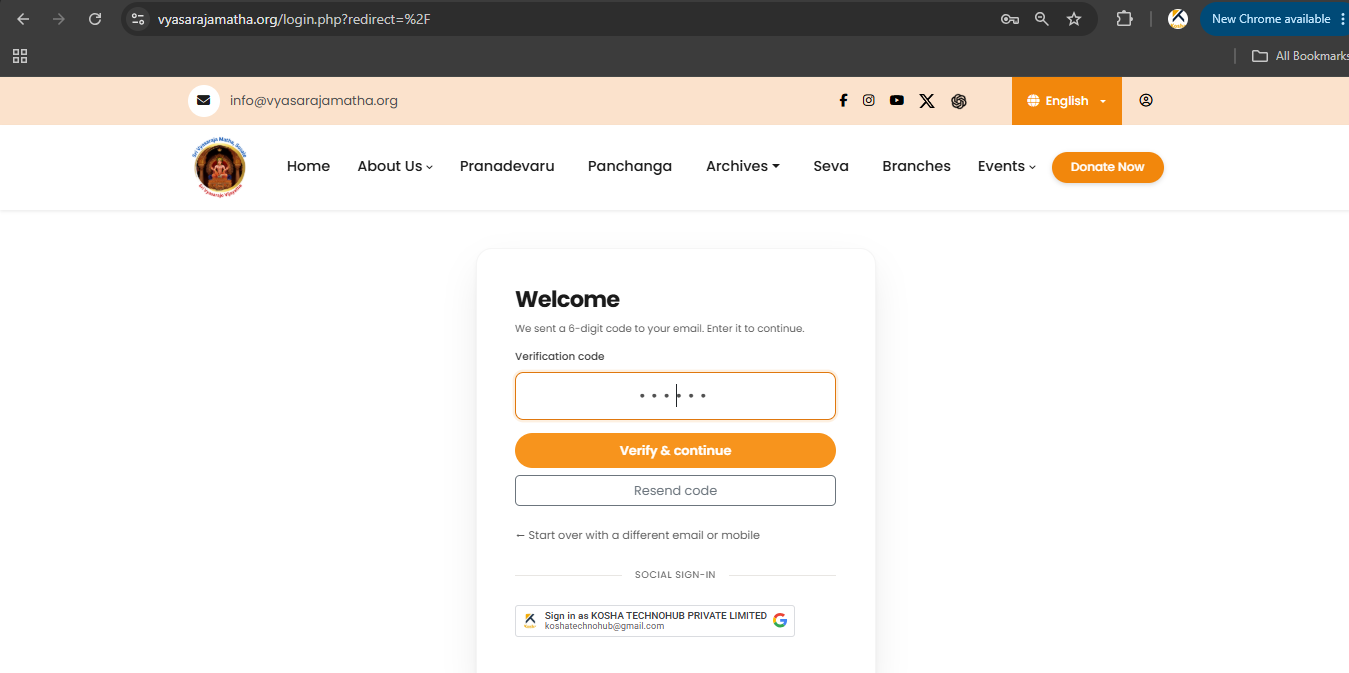
Step 4
- Enter the verification code received.
- Click Verify & continue.
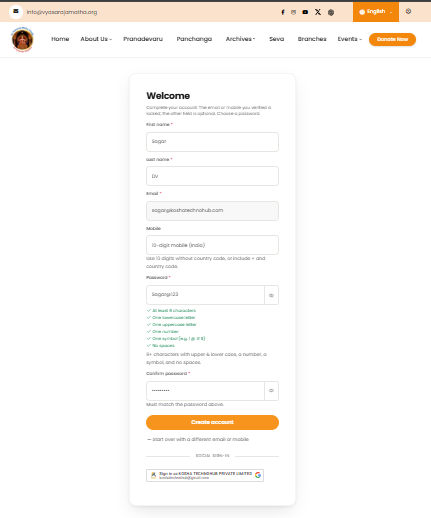
Step 5
Complete your profile. Provide:
- First name
- Last name
- Email address
- Mobile number
- Password
- Confirm password
Your password must satisfy the security requirements shown on the screen. Then click Create account.
Registration complete
Your account is created. From the next visit, enter your mobile number and password — no need to register again.
Video tutorial: Sri Vyasaraja Matha YouTube
Screenshots